
A workspace shaped like the work
Shape the screen around the job.

Move and resize the views that matter
Keep several conversations and boards open together
Build a different working layout for each project
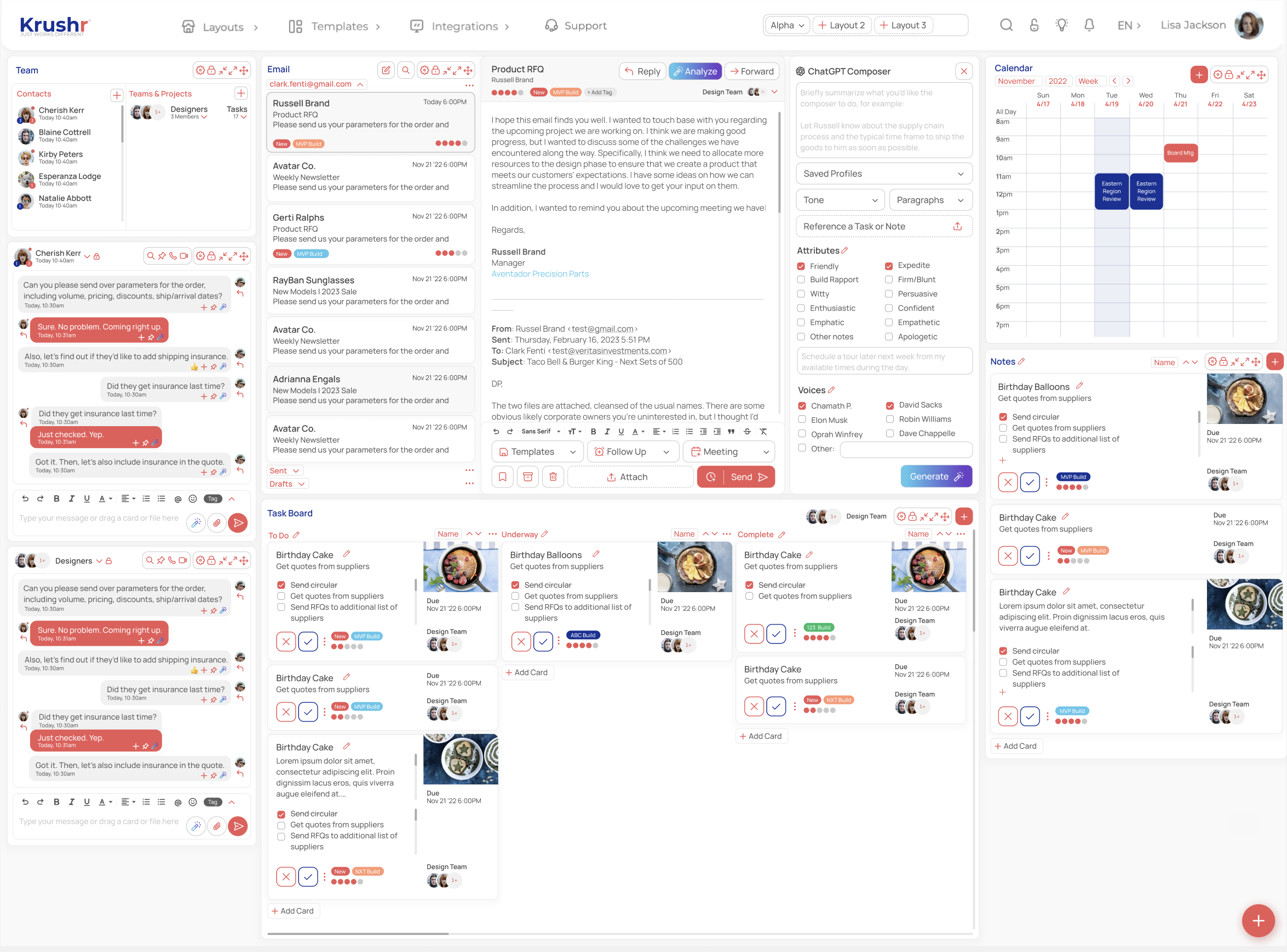
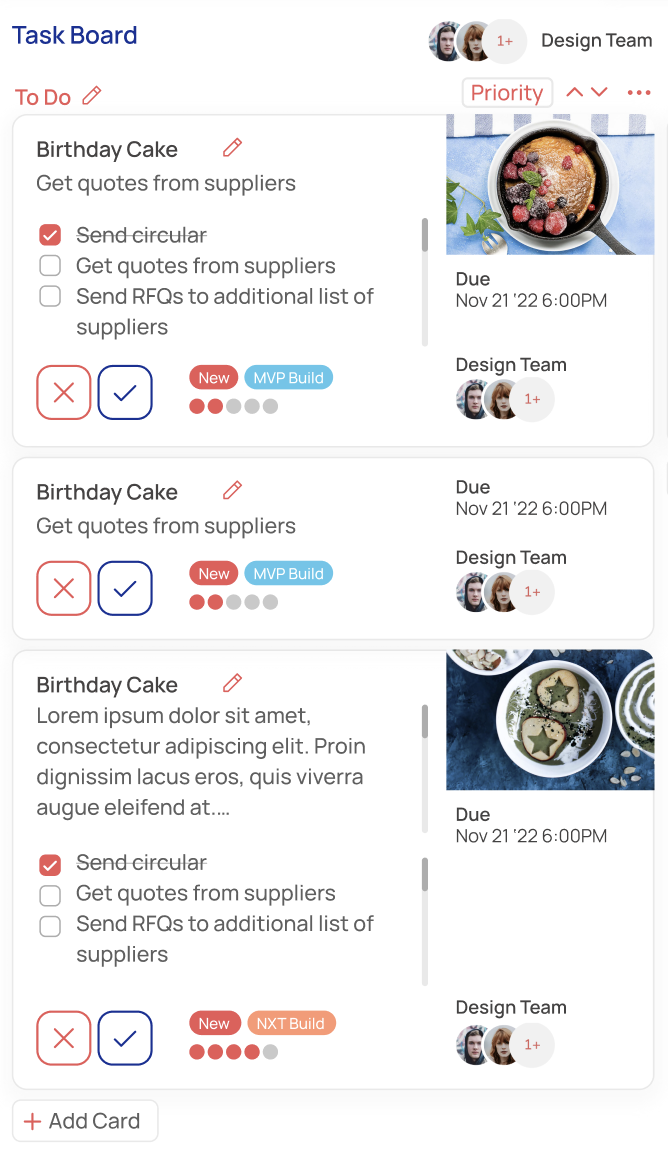
What is a Krushr panel workspace?
A panel workspace is a customizable project page made from live tools rather than a fixed dashboard. Each panel can hold a communication or planning view, and several panels can remain open together.
Client work: thread, meeting, files, and task board
Delivery work: Kanban, Gantt, deadlines, and calendar
Follow-through: email, composer, contacts, and owned tasks
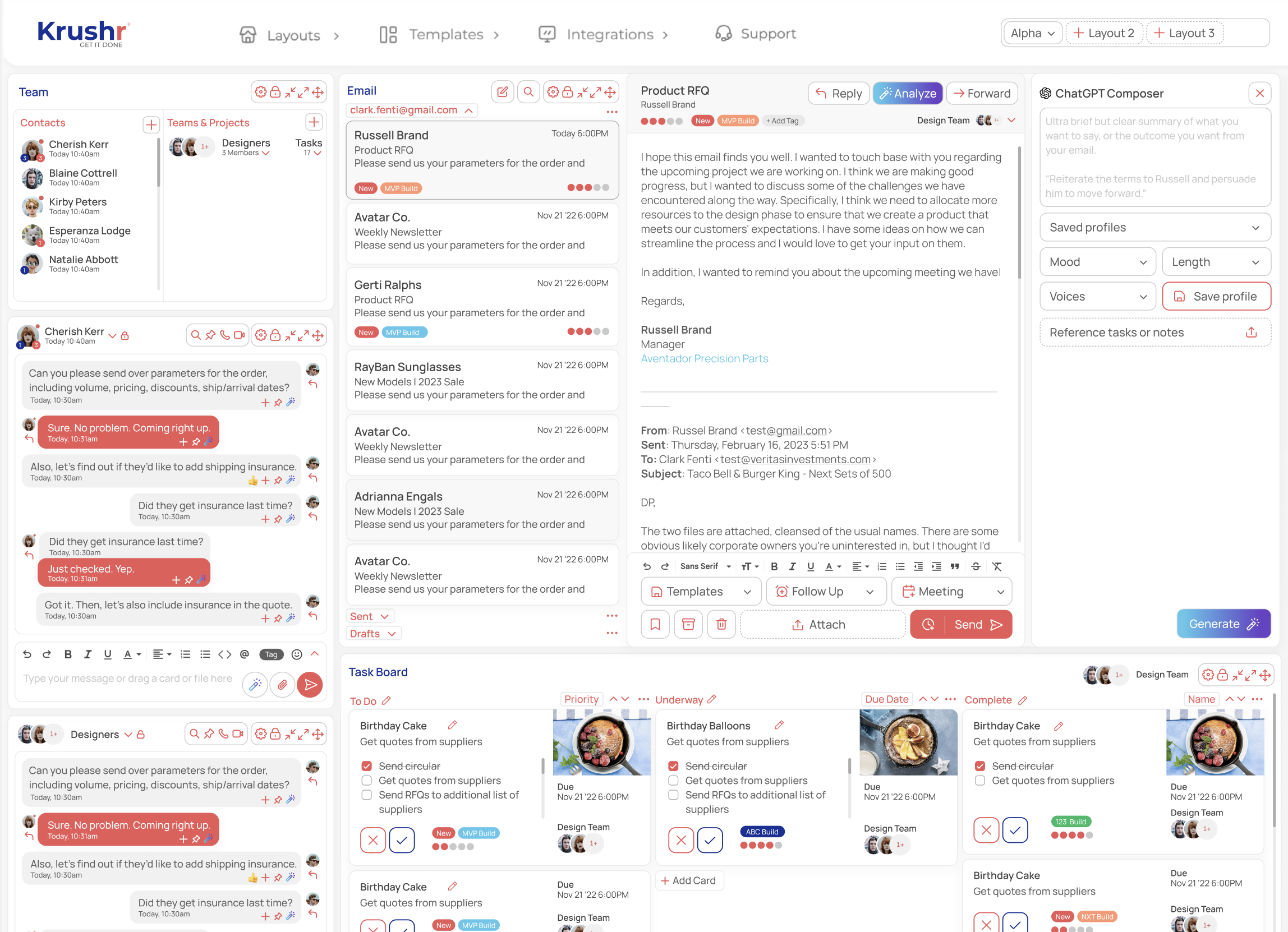
The layout changes when the work changes.
Client delivery can favor messages, meetings, files, and tasks. Schedule pressure can favor Kanban, Gantt, and calendar. The workspace stays coherent because the tools share one project context.
Straight answers
Are the panels static screenshots?
No. They are live workspace views for the project's communication, planning, and files.
Can a workspace show more than one panel at once?
Yes. Simultaneous panels are the core of the Krushr layout.
Why use panels instead of tabs?
Panels keep related context visible together, so the source request does not vanish when someone opens the plan or file it affects.