
One project · one working screen
The project lives on one screen.

Keep the conversation beside the work it changes
Open several live work surfaces at the same time
Move and resize the layout around the project
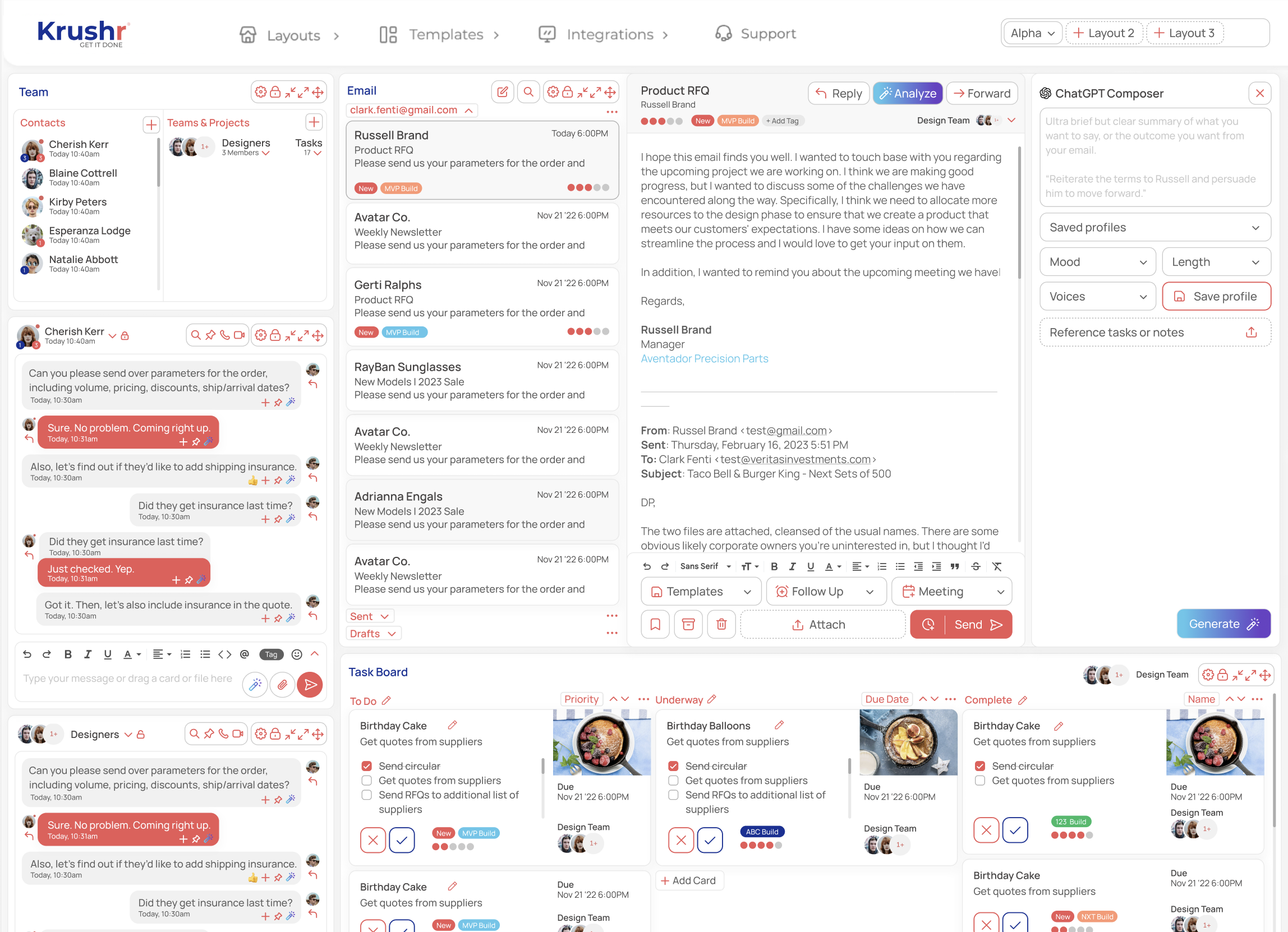
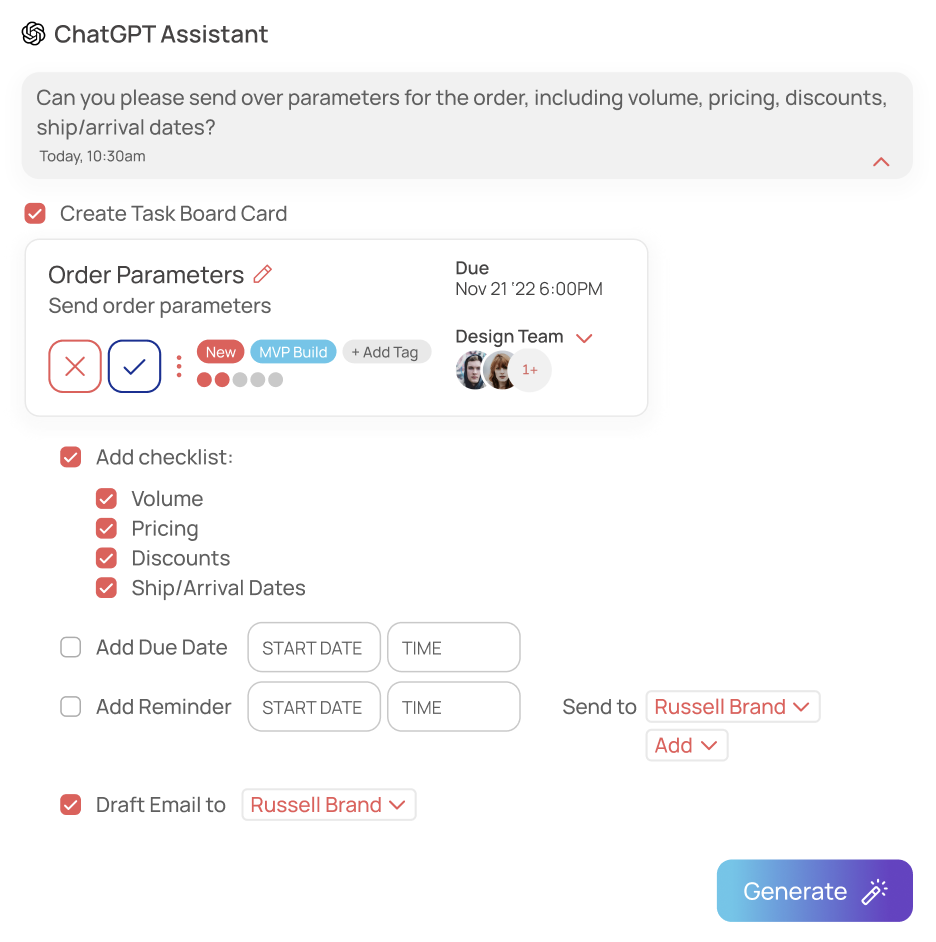
What is Krushr's all-in-one project dashboard?
It is the working project page, not a read-only summary. A team can keep communication, planning, files, meetings, and follow-through visible together, then arrange those live panels for the job at hand.
Messages and email remain visible beside tasks
Kanban, Gantt, and calendar show the plan from different angles
Notes, files, contacts, and meetings stay attached to the active project
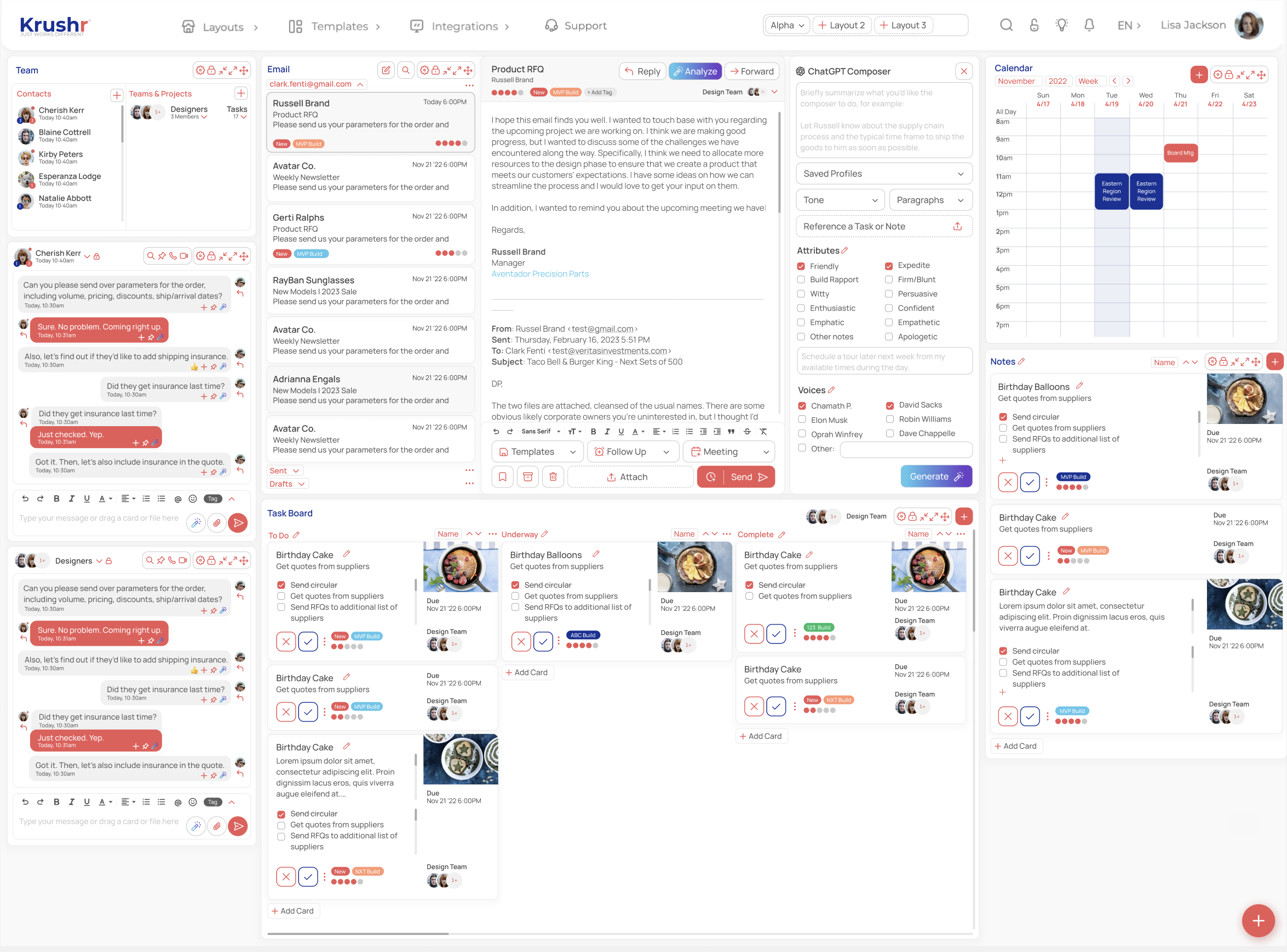
See the conversation and the delivery plan together.
A request should not disappear while someone opens a board, calendar, note, or file. Krushr keeps those surfaces in the same visual workspace so the source context stays close to the decision and the next action.
Straight answers
Who is this dashboard for?
People and small teams that want communication and delivery tools visible together instead of spread across separate app screens.
Is Krushr only a reporting dashboard?
No. The panels are working surfaces for messages, project planning, notes, files, meetings, and follow-through.
Can each project use a different layout?
Yes. The workspace can be arranged around the views a specific project needs.